
108 lines
3.2 KiB
Markdown
108 lines
3.2 KiB
Markdown
# OpenCode Agents
|
|
|
|
A set of OpenCode configurations, prompts, agents, and plugins for enhanced development workflows.
|
|
|
|
## Features
|
|
|
|
- 🤖 **Task-focused agents** for planning, implementation, review, and testing
|
|
- 📱 **Telegram integration** for idle session notifications
|
|
- 🛡️ **Security-first** approach with configurable permissions
|
|
- 📚 **Comprehensive documentation** and examples
|
|
|
|
## Quick Start
|
|
|
|
### 1. Install OpenCode CLI
|
|
Follow the [official OpenCode documentation](https://opencode.dev) to install the CLI.
|
|
|
|
### 2. Setup Telegram Notifications (Optional)
|
|
Get notified when your OpenCode sessions become idle:
|
|
|
|
```bash
|
|
# Copy the example environment file
|
|
cp env.example .env
|
|
|
|
# Edit .env with your Telegram bot credentials
|
|
# Get bot token from @BotFather on Telegram
|
|
# Get chat ID by messaging your bot and checking the API
|
|
```
|
|
|
|
### 3. Start Using Agents
|
|
```bash
|
|
# Start a planning session
|
|
opencode --agent plan-project
|
|
|
|
# Run a specific task
|
|
opencode run --agent mastra "Implement database schema"
|
|
```
|
|
|
|
## Agents
|
|
|
|
See [`.opencode/AGENTS.md`](.opencode/AGENTS.md) for detailed information about available agents:
|
|
|
|
- **plan-project**: Roadmaps, milestones, ADRs, risk register
|
|
- **plan-analyse**: Repo survey, external research, dependency mapping
|
|
- **mastra**: Implementation for ingestion, embeddings, LanceDB, retrieval
|
|
- **review**: Code review with targeted feedback
|
|
- **documentation**: Documentation updates and examples
|
|
- **write-test**: Unit/integration tests and mocks
|
|
|
|
## Plugins
|
|
|
|
### Telegram Bot (Simple)
|
|
Single-file Telegram bot that sends notifications when OpenCode sessions become idle.
|
|
|
|
**Features:**
|
|
- 🕐 Configurable idle timeout (default: 5 minutes)
|
|
- 📱 Real-time notifications via Telegram
|
|
- 🔄 Session resume tracking
|
|
- 🛡️ Automatic .env file loading
|
|
- 📦 Single file, no dependencies
|
|
|
|
**Quick Start:**
|
|
```bash
|
|
# Run the bot
|
|
node .opencode/plugin/telegram-bot.js
|
|
|
|
# Run example usage
|
|
node .opencode/plugin/example-usage.js
|
|
```
|
|
|
|
See [`.opencode/plugin/README.md`](.opencode/plugin/README.md) for detailed documentation.
|
|
|
|
## Configuration
|
|
|
|
### Permissions
|
|
Repository guardrails are defined in `.opencode/permissions.json`. Each agent can have specific permissions that override repository defaults.
|
|
|
|
### Environment Variables
|
|
Copy `env.example` to `.env` and configure your Telegram bot:
|
|
|
|
```bash
|
|
# Copy example file
|
|
cp env.example .env
|
|
|
|
# Edit .env with your credentials
|
|
TELEGRAM_BOT_TOKEN=your_bot_token_here
|
|
TELEGRAM_CHAT_ID=your_chat_id_here
|
|
TELEGRAM_ENABLED=true
|
|
```
|
|
## Safety & Security
|
|
|
|
- **Approval-first workflow**: Each agent proposes a plan before execution
|
|
- **Configurable permissions**: Granular control over what agents can do
|
|
- **Input sanitization**: Protection against XSS and injection attacks
|
|
- **Secure credential management**: Environment variables for sensitive data
|
|
|
|
A video on how this works:
|
|
[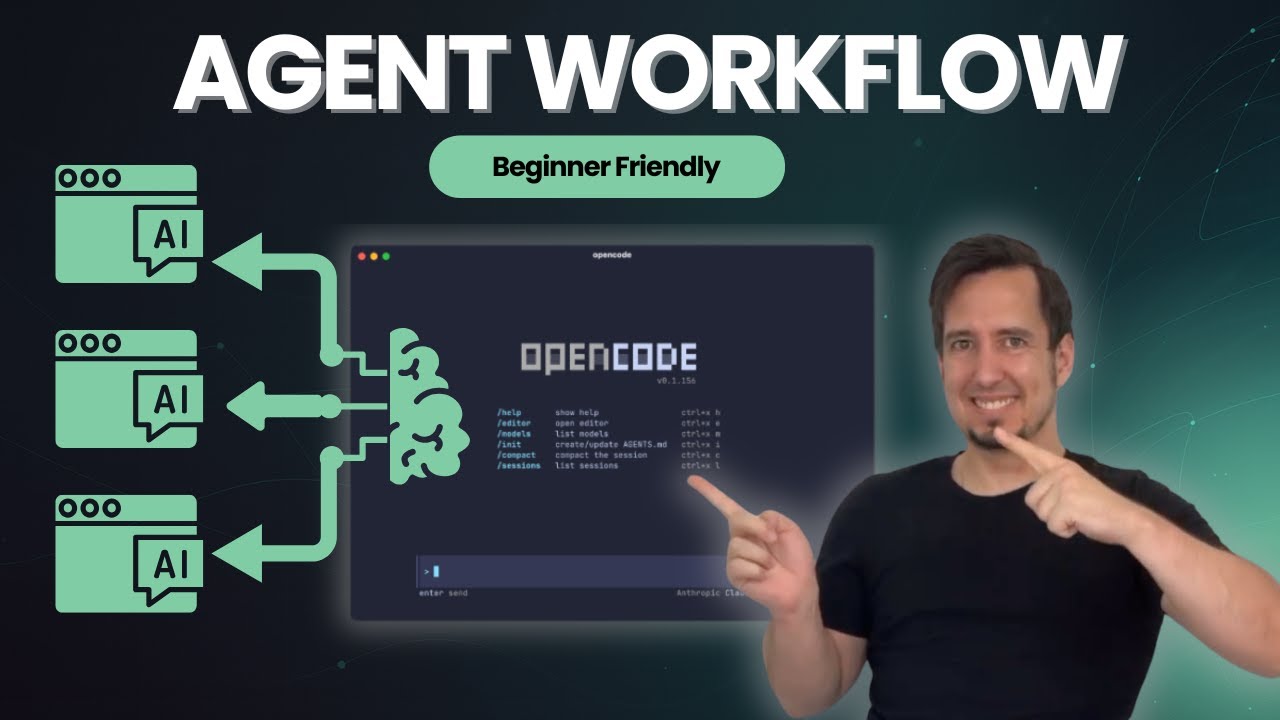](https://youtu.be/EOIzFMdmox8?si=4ZSsVlAkhMxVmF2R)
|
|
|
|
## Contributing
|
|
|
|
1. Follow the established naming conventions and coding standards
|
|
2. Write comprehensive tests for new features
|
|
3. Update documentation for any changes
|
|
4. Ensure security best practices are followed
|
|
|
|
## License
|
|
|
|
This project is licensed under the MIT License.
|